
If you’re learning Salesforce OmniStudio, you’ve probably noticed that understanding the tools is one thing, but knowing when and where to use them is something completely different.
Many beginners learn about OmniScripts, DataRaptors, Integration Procedures, and FlexCards, but struggle when asked to solve real business problems.
The best way to become confident in OmniStudio is by practicing real-world scenarios.
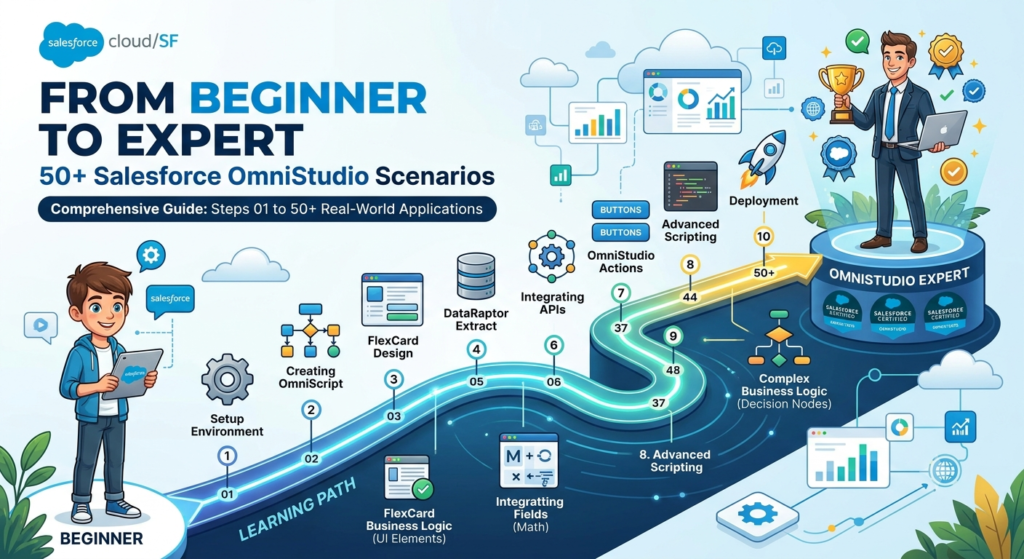
In this blog, we’ll explore 50+ practical OmniStudio scenarios that can help you grow from a beginner to an expert.
Why Scenario-Based Learning Matters
Reading documentation is important, but real projects are built around business requirements.
When you practice scenarios, you learn:
- How to choose the right OmniStudio component
- How components work together
- How to improve performance
- How to handle complex requirements
- How to prepare for interviews and projects
The more scenarios you solve, the stronger your problem-solving skills become.
Beginner-Level Scenarios
These scenarios help you understand the basics of OmniStudio.
OmniScript Scenarios
- Create a customer registration form.
- Build a contact information capture screen.
- Create a feedback collection form.
- Add conditional fields based on user selection.
- Show or hide sections dynamically.
- Create a multi-step application form.
- Validate user inputs before submission.
- Display confirmation messages.
- Capture customer survey responses.
- Create a simple loan application form.
DataRaptor Scenarios
- Extract Account records.
- Fetch Contact details using Account Id.
- Load customer information into OmniScript.
- Create records using DataRaptor Load.
- Update existing records.
- Transform data formats.
- Map fields between systems.
- Retrieve related records.
- Filter records based on criteria.
- Return only required fields.
FlexCard Scenarios
- Display Account information.
- Show customer profile details.
- Create a list of open cases.
- Display related contacts.
- Build a simple dashboard card.
- Show product information.
- Display order history.
- Add icons and conditional styling.
- Create clickable action buttons.
- Show summary information.
Intermediate-Level Scenarios
At this level, you’ll start combining multiple OmniStudio components.
Integration Procedure Scenarios
- Retrieve Account and Contact data in a single call.
- Chain multiple DataRaptors together.
- Reduce server calls using Integration Procedures.
- Create reusable service layers.
- Implement conditional execution.
- Aggregate data from multiple sources.
- Handle error responses.
- Transform response structures.
- Call external REST APIs.
- Process large datasets efficiently.
OmniScript + DataRaptor Scenarios
- Customer onboarding process.
- Insurance quote application.
- Loan eligibility form.
- Service request creation.
- Employee onboarding process.
- Customer complaint submission.
- Product registration process.
- Membership enrollment.
- Order placement workflow.
- Event registration form.
Advanced-Level Scenarios
These scenarios are commonly seen in enterprise projects.
API Integration Scenarios
- Fetch customer details from an external system.
- Send Salesforce data to third-party applications.
- Verify customer identity through APIs.
- Retrieve live exchange rates.
- Get shipping information from logistics providers.
Performance Optimization Scenarios
- Reduce API calls using Integration Procedures.
- Optimize DataRaptor queries.
- Cache frequently used data.
- Improve FlexCard loading speed.
- Minimize response payload size.
Complex Business Process Scenarios
- Telecom service activation.
- Insurance claim submission.
- Utility service onboarding.
- Healthcare patient registration.
- Banking account opening process.
- Government citizen application process.
- Multi-level approval workflow.
- Product upgrade process.
- Subscription management journey.
- Customer renewal workflow.
Real Project Scenario Example
Let’s understand a complete OmniStudio solution.
Requirement
A telecom company wants customers to apply for a new internet connection online.
Solution
OmniScript
Captures customer information through multiple steps.
DataRaptor Extract
Fetches customer details if they already exist.
Integration Procedure
Calls multiple services and validates customer information.
DataRaptor Load
Creates new customer records.
FlexCard
Displays application status and updates.
This is how multiple OmniStudio components work together in real projects.
Skills You Will Develop
By practicing these scenarios, you’ll become comfortable with:
OmniScript
- Conditional Views
- Validation Rules
- Multi-Step Processes
- Reusable Components
DataRaptors
- Extract
- Load
- Transform
- Turbo Extract
Integration Procedures
- Data Aggregation
- API Calls
- Conditional Logic
- Error Handling
FlexCards
- Dynamic Display
- Action Buttons
- Conditional Styling
- Data Presentation
How to Practice Effectively
Many beginners make the mistake of only watching tutorials.
Instead, try this approach:
Step 1
Choose one business scenario.
Step 2
Identify which OmniStudio components are required.
Step 3
Build the solution yourself.
Step 4
Test different conditions.
Step 5
Optimize performance.
This method helps you learn much faster than simply following videos.
Common Mistakes Beginners Make
Using Too Many Server Calls
Always try to use Integration Procedures to reduce API calls.
Overcomplicated OmniScripts
Keep scripts simple and user-friendly.
Poor Data Mapping
Double-check DataRaptor mappings.
Ignoring Error Handling
Always prepare for failures and invalid inputs.
Not Considering Performance
Think about scalability from the beginning.
Final Thoughts
Learning OmniStudio is not just about understanding individual tools. The real skill comes from solving business problems using the right combination of OmniScripts, DataRaptors, Integration Procedures, and FlexCards.
These 50+ scenarios provide a roadmap from beginner to expert. Start with simple forms and data retrieval tasks, then gradually move toward integrations, performance optimization, and enterprise-level solutions.
The more scenarios you build, the more confident you’ll become in handling real-world OmniStudio projects and interviews.
Remember, every OmniStudio expert started with their first OmniScript. Keep practicing, keep building, and your expertise will grow with every project.
Happy Learning!