
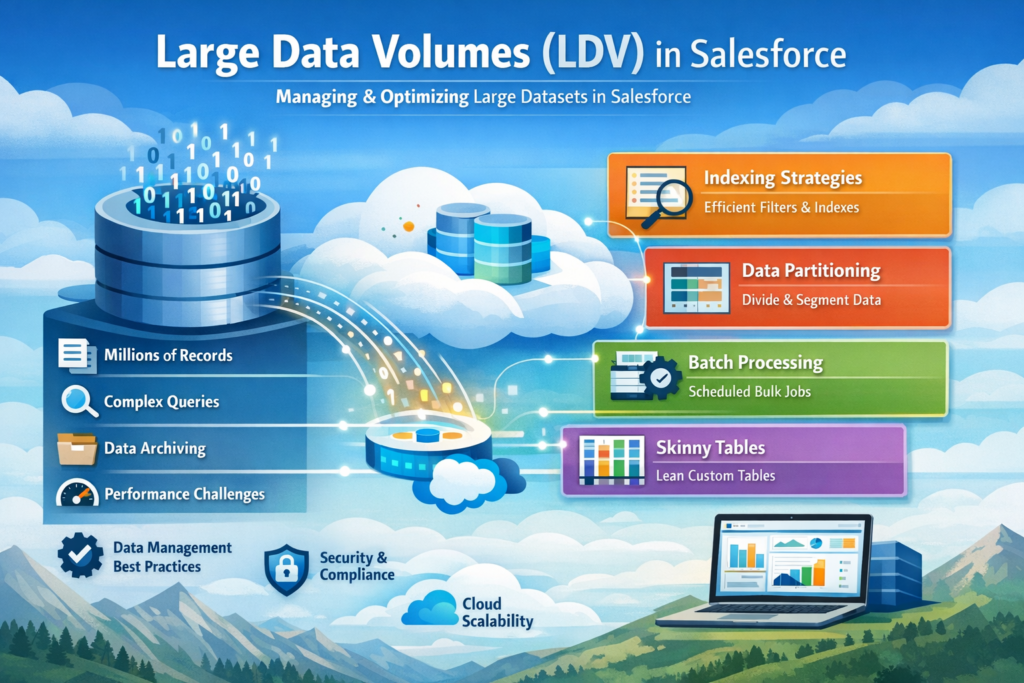
If you are working on Salesforce or preparing for Data Architecture & Management Designer certification, understanding Large Data Volumes (LDV) is very important.
As organizations grow, data grows rapidly. What works for thousands of records may fail when your system reaches millions. This is where LDV concepts, performance strategies, and data architecture decisions become critical.
In this blog, we will cover everything step by step in simple English so that you can clearly understand how to handle LDV scenarios in Salesforce.
What is Large Data Volume (LDV)?
Large Data Volume is not a fixed number. It generally refers to situations where your Salesforce org has:
- Hundreds of thousands to millions of records
- Complex relationships
- Heavy reporting and queries
When data grows at this scale, you may face:
- Slow SOQL queries
- Slow reports and dashboards
- Delayed search results
- Longer data load times
Why is LDV Important?
If LDV is not handled properly, it directly impacts:
- System performance
- User experience
- Data processing speed
A poorly optimized system can frustrate users and slow down business operations. That’s why designing for scale is important from the beginning.
Under the Hood: How Salesforce Works
To understand LDV, you need to know how Salesforce stores and retrieves data.
Salesforce Platform Structure
Salesforce works on three main layers:
- Metadata Table → Stores object and field definitions
- Data Table → Stores actual records
- Virtual Database Layer → Combines metadata + data for users
When you write a SOQL query, Salesforce internally converts it into SQL and fetches data using optimized paths.
How Search Works in Salesforce
- When a record is created, it takes some time (around 15 minutes) to get indexed
- Salesforce searches through indexes, not directly the database
- It filters results based on user access (security)
- Only a limited result set is returned for performance
This is why sometimes new records don’t appear immediately in search.
Force.com Query Optimizer
The Force.com Query Optimizer decides:
- Which index to use
- Whether to scan the full table
- How to join tables
It ensures that your query runs in the most efficient way possible. Writing optimized queries helps the optimizer make better decisions.
Skinny Tables in Salesforce
What is a Skinny Table?
A skinny table is a special table created by Salesforce Support that combines frequently used fields into one table for faster access.
Key Facts
- Combines standard + custom fields
- Improves query performance
- Best for objects with millions of records
- Does not include deleted records
- Automatically updated
Use skinny tables when performance becomes a serious issue.
Indexing Principles
What is an Index?
An index is a sorted structure that helps Salesforce quickly find records without scanning the entire table.
Example
If you search:
Salesforce uses an index on CreatedDate to quickly find matching records.
Standard vs Custom Index
Standard Index Fields
Salesforce automatically indexes:
- Id
- Name
- CreatedDate
- LastModifiedDate
- Lookup & Master-Detail fields
- External Id
Custom Index
You can request Salesforce to create indexes on:
- Frequently queried fields
- Formula fields (in some cases)
Not supported for:
- Long text fields
- Multi-select picklists
- Currency fields
Indexing Pointers
To make queries faster:
- Use indexed fields in WHERE clause
- Avoid NULL conditions
- Avoid leading wildcard (%abc)
- Keep query selective
A query is considered selective when it returns a small portion of records.
Best Practices for LDV Performance
- Always filter data using indexed fields
- Select only required fields in queries
- Break large queries into smaller ones
- Avoid unnecessary joins
- Use selective filters
These small changes can significantly improve performance.
Common Data Considerations
Ownership Skew
What is it?
When more than 10,000 records are owned by a single user.
Why is it a problem?
- Heavy sharing calculations
- Slow role hierarchy updates
How to avoid it?
- Distribute records across multiple users
- Avoid using one integration user as owner
- Use assignment rules
Parenting Skew
What is it?
When more than 10,000 child records are linked to one parent.
Why is it a problem?
- Record locking issues
- Slow updates
How to avoid it?
- Distribute records across multiple parents
- Use alternative data models
Sharing Considerations
Org Wide Defaults (OWD)
- Use Public Read/Write where possible
- Reduce dependency on sharing rules
- Use “Controlled by Parent” when applicable
Sharing Calculation
Parallel Sharing Rule Recalculation
Allows multiple sharing rules to run in parallel for better performance.
Deferred Sharing Calculation
- Pause sharing calculations during large updates
- Resume after changes are complete
This is very useful during data migration.
Granular Locking
Salesforce locks records during updates to maintain data integrity.
Granular locking reduces lock conflicts by allowing parallel updates when possible.
Data Load Strategy (Step-by-Step)
Handling LDV during data migration is critical. Follow this structured approach.
Step 1: Configure Your Organization
- Enable deferred sharing calculation
- Set OWD to Public Read/Write temporarily
- Disable:
- Triggers
- Workflows
- Validation rules
This reduces processing overhead.
Step 2: Prepare the Data
- Clean and validate data
- Remove duplicates
- Ensure correct relationships
- Test in sandbox
Good data preparation avoids failures later.
Step 3: Execute Data Load
- Load parent records first
- Then load child records
- Use Bulk API for large data
- Group records by parent Id
Tips:
- Use insert/update instead of upsert when possible
- Only update changed fields
Step 4: Configure for Production
- Re-enable automation
- Restore OWD settings
- Apply sharing rules carefully
- Monitor system performance
Off-Platform Approaches
When data becomes too large, consider storing some data outside Salesforce.
Archiving Data
Why archive?
- Improve performance
- Reduce storage cost
- Maintain clean data
Approaches
1. Middleware-Based Archiving
Use external systems to store old data.
2. Using Heroku
Store large datasets and access them when needed.
3. Big Objects
Used for storing massive historical data inside Salesforce.
4. Buy Tools
Popular tools:
- Odaseva
- OwnBackup
Final Thoughts
Large Data Volume in Salesforce is not just a technical topic, it is a design challenge. If you plan your data model, indexing, sharing, and data load strategy properly, you can avoid most performance issues.
For anyone preparing for certification or working on real-time projects, mastering LDV concepts will give you a strong advantage.
Start with basics, test your queries, monitor performance, and continuously optimize your system. That is the key to building scalable Salesforce applications.