
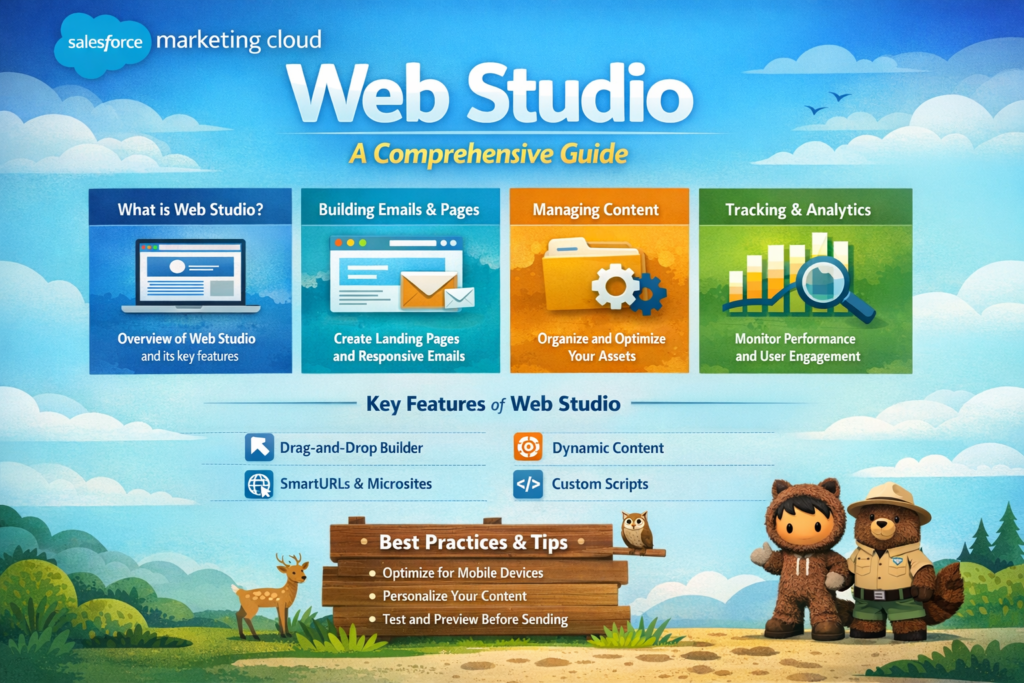
In today’s fast-moving digital world, businesses are not just competing on products or services, they are competing on experience. Customers expect personalized, fast, and seamless interactions across websites, emails, and mobile devices. This is where Salesforce Marketing Cloud Web Studio comes into the picture.
If you are someone who wants to understand how modern digital marketing works and how companies create powerful web experiences, this guide will walk you through everything step by step in simple English.
What is Salesforce Marketing Cloud Web Studio
Salesforce Marketing Cloud Web Studio is a tool that helps businesses create and manage their website content, landing pages, forms, and mobile experiences from one place.
Think of it like a control center where marketers can design web pages, capture customer data, and personalize user experiences without depending too much on developers.
It is a part of Salesforce Marketing Cloud and works closely with other tools like Email Studio and Journey Builder.
Why Web Studio is Important in Digital Marketing
Before understanding features, let’s first understand why Web Studio is important.
Today’s customers:
-
Visit websites multiple times before buying
-
Expect personalized content
-
Want quick and smooth experiences
Web Studio helps businesses:
-
Create engaging landing pages
-
Capture leads using smart forms
-
Track user behavior
-
Deliver personalized content in real time
In simple words, it helps convert visitors into customers.
Key Components of Web Studio
Web Studio is not just one feature, it includes multiple powerful tools. Let’s understand them one by one.
1. CloudPages
CloudPages is the most important feature of Web Studio.
It allows you to create:
-
Landing pages
-
Microsites
-
Campaign pages
You don’t need deep coding knowledge. You can use drag-and-drop or simple scripting.
Example:
Suppose you are running a marketing campaign for a new product. You can create a landing page using CloudPages where users can:
-
Read about the product
-
Fill out a form
-
Get a discount code
2. Smart Capture Forms
Forms are the backbone of lead generation.
Web Studio provides Smart Capture Forms that help you:
-
Collect user information
-
Store data directly in Salesforce
-
Trigger automated journeys
Example:
A user visits your website and fills out a form:
-
Name
-
Email
-
Phone number
This data can automatically:
-
Go into your database
-
Trigger a welcome email
-
Start a customer journey
3. Content Builder Integration
Web Studio works closely with Content Builder.
Content Builder helps you:
-
Create reusable content
-
Manage images and templates
-
Maintain consistency across campaigns
Example:
If you have a banner or logo, you can store it once and reuse it across multiple pages.
4. Personalization and Dynamic Content
This is where Web Studio becomes powerful.
You can show different content to different users based on:
-
Location
-
Behavior
-
Preferences
Example:
-
A returning user sees a “Welcome back” message
-
A new user sees a “Sign up now” offer
This improves engagement and conversion rates.
5. Mobile Optimization
Most users today browse on mobile devices.
Web Studio ensures:
-
Pages are mobile-friendly
-
Fast loading experience
-
Smooth navigation
This is critical because a slow or broken mobile page can lose customers instantly.
Step-by-Step: How to Use Web Studio
Let’s understand how you can practically use Web Studio.
Step 1: Plan Your Goal
Before creating anything, decide:
-
What is your objective?
-
Lead generation, product promotion, or event registration?
Step 2: Create a Landing Page
Go to CloudPages and:
-
Choose a template
-
Add text, images, and buttons
-
Customize design
Step 3: Add a Form
Use Smart Capture Forms:
-
Add input fields
-
Connect it to your data extension
-
Define what happens after submission
Step 4: Personalize Content
Use dynamic content:
-
Show different messages to different users
-
Use data like name, location, or past activity
Step 5: Test Your Page
Always test before publishing:
-
Check mobile view
-
Test form submission
-
Verify links and buttons
Step 6: Publish and Track Performance
Once live:
-
Track user activity
-
Monitor conversions
-
Optimize based on data
Real-Life Use Case
Let’s understand with a simple scenario.
A company launches a webinar.
Using Web Studio:
-
They create a landing page
-
Add a registration form
-
Collect user data
-
Send confirmation emails automatically
-
Track how many users signed up
This entire process can be managed from one platform.
Benefits of Using Web Studio
Here are some clear advantages:
1. Easy to Use
Even non-technical users can create pages.
2. Time Saving
No need to depend heavily on developers.
3. Personalization
Better user experience with targeted content.
4. Integration
Works smoothly with other Salesforce tools.
5. Better Conversions
Optimized pages lead to higher engagement.
Common Challenges and How to Solve Them
Even though Web Studio is powerful, users may face some challenges.
Challenge 1: Lack of Planning
Solution: Always define your goal before creating pages.
Challenge 2: Poor Design
Solution: Use templates and keep design simple.
Challenge 3: No Personalization
Solution: Use dynamic content wherever possible.
Challenge 4: Not Testing Properly
Solution: Always test before publishing.
Best Practices for Web Studio
To get the best results, follow these tips:
-
Keep your pages clean and simple
-
Use clear call-to-action buttons
-
Optimize for mobile devices
-
Use personalization wisely
-
Track and improve continuously
SEO and SMO Tips for Better Reach
To make your pages rank better and perform well on social media:
SEO Tips:
-
Use relevant keywords in titles and content
-
Optimize page load speed
-
Add proper headings and structure
SMO Tips:
-
Add social sharing buttons
-
Use engaging visuals
-
Create content that people want to share
Final Thoughts
Salesforce Marketing Cloud Web Studio is a powerful tool that helps businesses create meaningful digital experiences. It is not just about building pages, it is about connecting with customers in a smarter way.
If used correctly, it can:
-
Improve customer engagement
-
Increase lead generation
-
Boost conversions
Whether you are a beginner or an experienced marketer, learning Web Studio can give you a strong edge in the digital marketing world.