
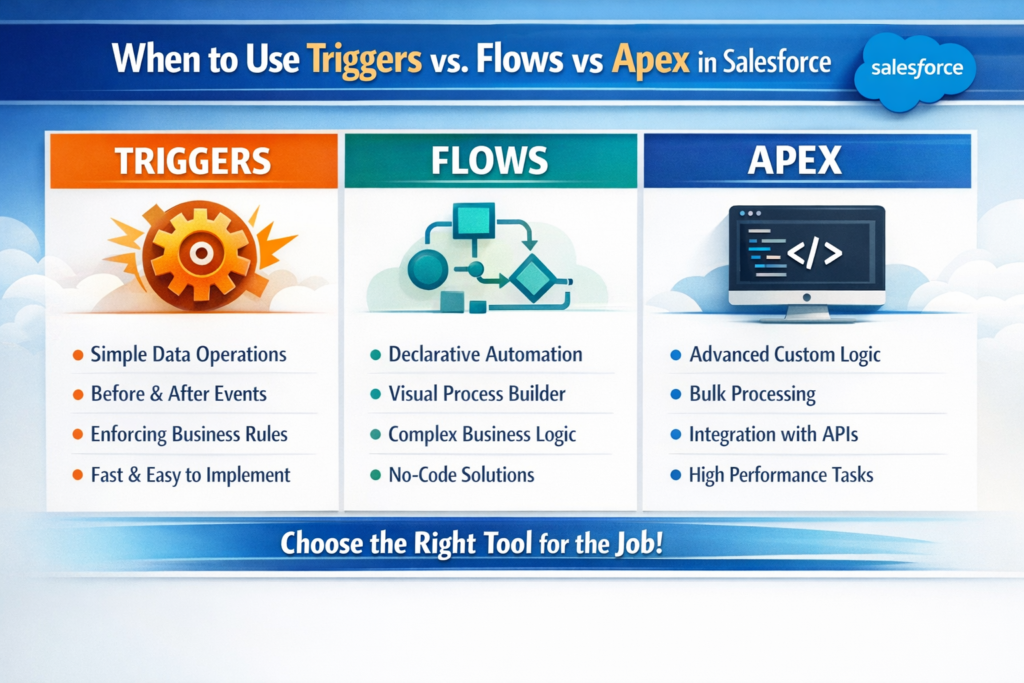
When to Use Triggers vs Flows vs Apex in Salesforce
If you are working on Salesforce, one question always comes up:
Should I use a Trigger, a Flow, or Apex code?
Many developers and admins struggle with this decision. Using the wrong approach can create performance issues, governor limit problems, or systems that are hard to maintain later.
In this blog, I will break it down in a simple and practical way, with real use cases and example code, so you clearly understand when to use what and why.
Overview of the Three Options
Before deciding, let’s understand what each one actually is.
1. Salesforce Flows
Flows are declarative (click-based) automation tools. You can build logic without writing code.
Examples:
-
Record-Triggered Flow
-
Screen Flow
-
Scheduled Flow
2. Triggers
Triggers are Apex code that run automatically when a record is inserted, updated, deleted, or undeleted.
Examples:
-
before insert
-
after update
3. Apex Classes
Apex classes are used for complex business logic, integrations, async processing, and reusable services.
Examples:
-
Callouts to external systems
-
Batch Apex
-
Queueable Apex
When to Use Salesforce Flows
Use Flow when:
-
Logic is simple to medium complexity
-
Admins should be able to maintain it
-
No heavy processing or complex loops are required
-
You want quick changes without deployment
Common Flow Use Cases
-
Auto-update fields
-
Create related records
-
Send email alerts
-
Validation-like logic
-
Simple approvals or decision trees
Example: Auto-update Account Rating Based on Annual Revenue
Requirement
When an Account is created or updated:
-
If Annual Revenue > 10,00,000 → Rating = Hot
-
Else → Rating = Warm
Best Tool: Record-Triggered Flow
Why Flow?
-
Simple condition-based logic
-
No complex data processing
-
Easy to modify later
How it works in Flow
-
Object: Account
-
Trigger: Before Save
-
Decision element checks AnnualRevenue
-
Assignment updates Rating
No Apex code needed. Faster execution and easier maintenance.
Example: Create a Contact When Opportunity is Closed Won
Requirement
When Opportunity Stage becomes Closed Won, automatically create a Contact.
Best Tool: Record-Triggered Flow (After Save)
Why Flow?
-
Direct relationship logic
-
No need for bulk-heavy processing
-
Declarative approach is enough
When to Use Apex Triggers
Triggers are powerful but should be used carefully.
Use Triggers when:
-
You need before-save logic not supported by Flow
-
Logic must run in bulk efficiently
-
Performance is critical
-
Complex data relationships exist
-
Flow limitations block your requirement
Important Rule
Never write logic directly inside the trigger. Always call a handler class.
Example: Prevent Duplicate Contacts Based on Email
Requirement
Prevent inserting a Contact if another Contact already exists with the same Email.
Why not Flow?
-
Needs bulk handling
-
Needs SOQL query control
-
Must work efficiently for large data loads
Best Tool: Trigger + Apex
Trigger Code
Handler Class
Why Trigger is correct here
-
Bulk-safe
-
Efficient querying
-
Full control over execution
When to Use Apex Classes (Without Triggers)
Apex classes are not always tied to triggers.
Use Apex Classes when:
-
Integrating with external systems
-
Doing async processing
-
Handling large data volumes
-
Writing reusable services
-
Complex calculations or transformations
Example: Call External API When Case is Closed
Requirement
When a Case is closed, send details to an external support system via REST API.
Why not Flow?
-
External callouts need Apex
-
Error handling is complex
-
Retry logic required
Best Tool: Trigger + Queueable Apex
Queueable Apex Example
Trigger simply enqueues this job instead of doing callout directly.
Flow vs Trigger vs Apex: Real Comparison
| Scenario | Best Choice | Reason |
|---|---|---|
| Simple field update | Flow | Faster, declarative |
| Create child records | Flow | Easy to manage |
| Complex validation | Trigger | Better control |
| Prevent duplicates | Trigger | Bulk-safe |
| API callout | Apex | Required |
| Large data processing | Batch Apex | Scalability |
| Admin-managed logic | Flow | No deployment |
| Reusable business logic | Apex Class | Clean architecture |
Salesforce Best Practice (Real World)
Salesforce itself recommends this approach:
-
Try Flow first
-
If Flow becomes complex or slow → move logic to Apex
-
Use Triggers only when necessary
-
Keep Triggers thin and logic in Apex classes
-
Avoid mixing too much logic in one place
A Common Real Project Mistake
Many teams:
-
Put everything in Triggers
-
Or create too many Flows on the same object
Both cause issues.
Ideal Architecture
-
Flow for simple automation
-
Trigger only for technical needs
-
Apex services for heavy logic
-
One trigger per object
-
Clear naming and documentation
Final Recommendation
Ask yourself these questions before choosing:
-
Can this be done easily with Flow?
-
Will admins need to change it often?
-
Is bulk data processing involved?
-
Do I need callouts or async logic?
-
Will this logic grow in the future?
Your answers will guide you to the right tool.
Conclusion
Triggers, Flows, and Apex are not competitors. They are tools meant to work together.
A good Salesforce developer is not the one who writes the most code, but the one who chooses the right tool at the right time.