
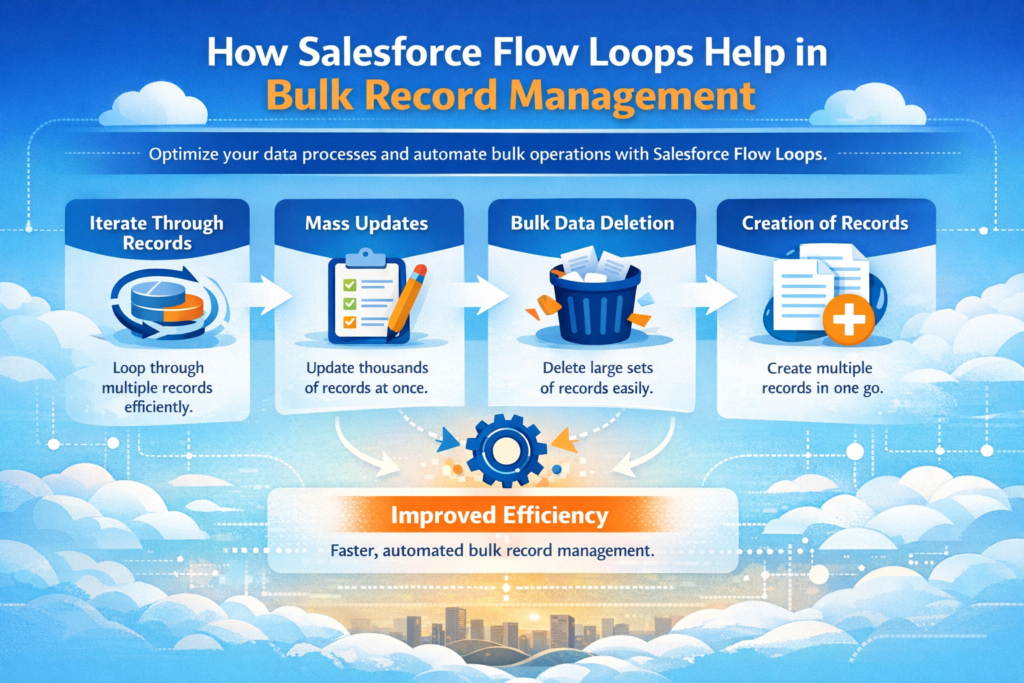
Managing large amounts of data in Salesforce can feel difficult, especially when you need to update or create hundreds or thousands of records at once. Many people think this requires coding, but that is not true.
With Salesforce Flow Loops, you can handle bulk record operations easily without writing a single line of code.
In this blog, we will break everything down step by step in simple English so that you can understand how loops work, how to implement them, and how to avoid common mistakes.
What is a Salesforce Flow Loop?
A Loop element in Salesforce Flow is a tool that allows you to repeat a set of actions for multiple records.
In simple words, it helps you process a list of records one by one automatically.
Where is it used?
-
When you fetch multiple records using Get Records
-
When working with collections (list of records)
-
When you want to update or create records in bulk
Real-life example
Imagine you have:
-
100 Contacts to update
-
50 Opportunities to check
-
200 Accounts to modify
Instead of updating them one by one, you can use a loop to process all of them automatically.
Key Components of Salesforce Flow Loop
To understand loops clearly, you must know these 3 important components:
1. Collection Variable
This is the list of records you want to process.
Example:
-
All Accounts fetched using Get Records
Think of it as a bucket full of records.
2. Loop Variable
This represents one single record from the collection at a time.
When the loop runs:
-
It picks one record
-
Processes it
-
Moves to the next
Important point:
Changes made here are temporary (in memory), not directly saved in the database.
3. Direction (Iteration Order)
This decides how the loop runs:
-
First to Last
-
Last to First
For most bulk operations, the direction does not matter.
Why Flow Loops are Important for Bulk Record Management
Salesforce has strict limits like:
-
Number of database operations
-
CPU time
-
Number of queries
If you update records inside a loop one by one, your flow will fail.
That is why we use a best practice called:
Single SOQL + Single DML Pattern
-
Fetch all records once (SOQL)
-
Process them in loop (in memory)
-
Update all at once (single DML)
This is the foundation of bulk record management.
Step-by-Step Implementation of Flow Loop
Let’s understand using a simple business scenario:
Scenario:
A company wants to update Account Rating based on Annual Revenue:
-
Revenue > 50 Lakhs → Hot
-
Revenue between 25–50 Lakhs → Warm
-
Revenue < 25 Lakhs → Cold
Step 1: Get Records
Use Get Records element to fetch all Accounts.
This stores all records in a collection variable.
Step 2: Create a Blank Collection (Bucket)
Create an empty collection variable.
This will store modified records.
Why needed?
Because we should not directly modify the original collection.
Step 3: Add Loop Element
Now add the Loop element.
-
Select your collection
-
Choose direction
The loop will now process one record at a time.
Step 4: Make Changes (Assignment Element)
Inside the loop:
-
Check Annual Revenue
-
Assign Rating (Hot, Warm, Cold)
Important:
These changes are only in memory, not saved yet.
Step 5: Add to Collection
Use another Assignment element:
-
Add modified record to the new collection (bucket)
Now your updated records are being collected safely.
Step 6: Update Records (Single DML)
After the loop ends:
-
Use Update Records
-
Pass the entire collection
This updates all records in one go.
How Bulk Record Management Works
Updating Records (Best Practice)
-
Get all records (before loop)
-
Modify inside loop (in memory)
-
Store in new collection
-
Update once after loop
Never update records inside the loop.
Creating Records Using Loop
You can also create new records:
-
Inside loop → create a new record variable
-
Assign values
-
Add to collection
-
After loop → create all records at once
Common Mistakes to Avoid
1. Updating Records Inside Loop
This is the biggest mistake and leads to errors.
2. Multiple Get Records Inside Loop
This can hit SOQL limits quickly.
3. Not Using Collection Variables
Without collections, bulk processing is not possible.
Salesforce Flow Loop Limits (Very Important)
Salesforce has system limits you must respect:
SOQL Queries → 100
Too many queries will fail the flow.
DML Statements → 150
Avoid using Create/Update inside loop.
Records Processed → 10,000
You cannot process more than this in one transaction.
CPU Time → 10 seconds
Heavy logic inside loops can cause timeout.
Executed Elements → Around 2,000
Every step in loop counts.
Real Use Case Examples
Example 1: Bulk Update Opportunities
Goal: Mark all Opportunities as Closed Won
Steps:
-
Get all Opportunities
-
Loop through them
-
Change StageName
-
Add to collection
-
Update once
Example 2: Update Child Records
Goal: Update all child records when parent changes
Steps:
-
Get child records
-
Loop through them
-
Modify fields
-
Store in collection
-
Update after loop
When to Use Flow vs Apex
Use Flow when:
-
Logic is simple
-
No heavy processing needed
-
Admin-friendly solution required
Use Apex when:
-
Data is very large
-
Logic is complex
-
Flow limits are exceeded
Best Practices for Salesforce Flow Loops
-
Always use Single SOQL + Single DML
-
Keep logic simple inside loop
-
Use separate collection for updates
-
Test with large data sets
-
Avoid nested loops if possible
Final Thoughts
Salesforce Flow Loops are one of the most powerful no-code tools for handling bulk data.
They help you:
-
Save time
-
Avoid errors
-
Work within Salesforce limits
-
Build scalable automation
If you understand the loop concept properly, you can solve many real-world business problems without writing code.