
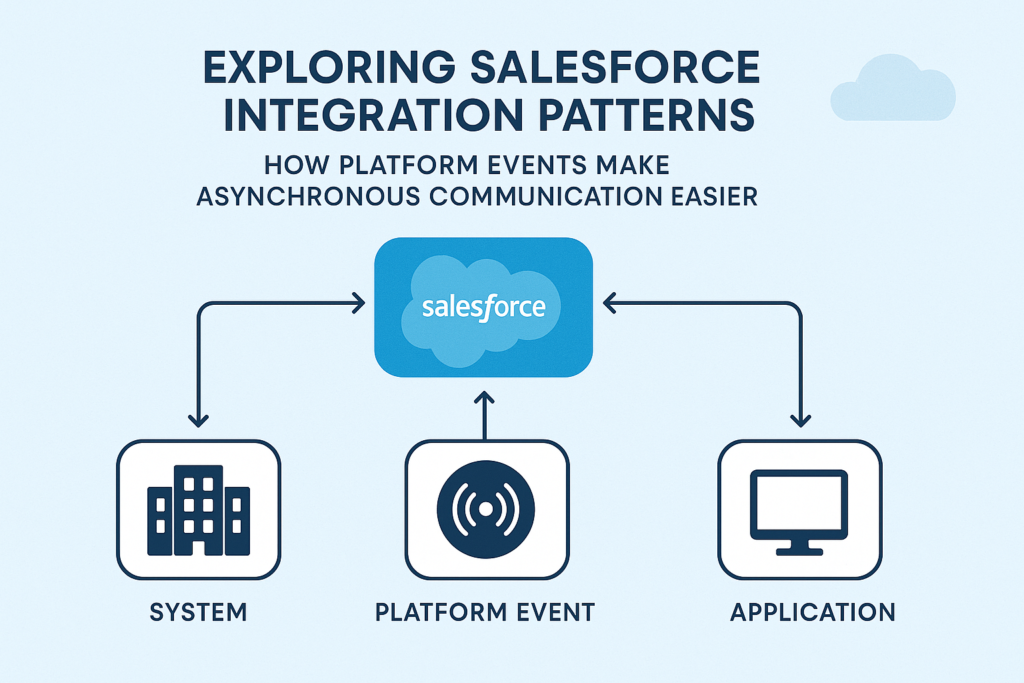
Exploring Salesforce Integration Patterns: How Platform Events Make Asynchronous Communication Easier
Integrations play a major role in modern Salesforce implementations. As businesses grow, they rely on multiple systems such as ERP platforms, billing systems, support applications, marketing automation tools, and custom-built applications. Salesforce alone cannot perform every business function, so connecting Salesforce with other systems becomes essential.
However, integration is not just about sending or receiving data. It is about sending the right data, in the right format, at the right time, using the right method. This is where Salesforce integration patterns become important.
In this blog, we will explore common Salesforce integration patterns and then focus on how Platform Events make asynchronous communication simpler and more efficient.
What Are Integration Patterns?
Integration patterns are repeatable solutions that describe how Salesforce should connect or exchange data with other systems. These patterns help architects and developers select the best method based on requirements like:
-
System availability
-
Latency tolerance
-
Volume of data
-
Direction of communication
-
Real-time or scheduled sync
Salesforce provides several well-known integration patterns, and each one solves a specific type of integration problem.
Common Salesforce Integration Patterns
Below are some of the most commonly used patterns.
1. Request and Reply (Synchronous)
In this pattern, Salesforce sends a request to an external system and waits for a response before continuing. This kind of integration is useful when immediate confirmation is needed.
Example:
Salesforce checks a customer’s credit score in real time before approving a loan.
Tools used:
Apex callouts, REST/SOAP API.
2. Fire and Forget (Asynchronous)
In this pattern, Salesforce sends a message to another system but does not wait for a response. The external system processes the message whenever it is ready.
Example:
When a new Lead is created, Salesforce sends the information to a marketing system without waiting for confirmation.
Tools used:
Apex callouts with Future or Queueable Apex, Platform Events.
3. Batch Data Synchronization
This pattern is used when large volumes of data need to be exchanged in bulk on a schedule rather than in real time.
Example:
Syncing product catalogs from ERP to Salesforce once every night.
Tools used:
ETL tools like MuleSoft, Informatica, Talend, Data Loader.
4. Remote Call-In
In this pattern, an external system calls Salesforce to retrieve, update, or create records.
Example:
A billing system pushes invoice updates into Salesforce.
Tools used:
Salesforce REST and SOAP APIs.
5. Publish-Subscribe
This pattern allows systems to communicate without directly knowing about each other. One system publishes an event, and any subscribed system listens and reacts.
This is where Platform Events play a key role and simplify the entire process.
Why Platform Events Are Important
Platform Events are Salesforce’s event-driven messaging mechanism. They allow applications inside and outside Salesforce to communicate in a loosely coupled but reliable way.
Instead of directly calling another system, Salesforce publishes an event. Any system or process that is interested can subscribe to that event and perform necessary actions.
The main advantage is that systems do not need to know about each other. One system writes, and others react.
How Platform Events Simplify Asynchronous Communication
Before Platform Events, developers had to depend on custom objects, outbound messaging, or future methods for asynchronous integration. These approaches worked but had limitations such as lack of flexibility, difficult retry handling, and scalability challenges.
Platform Events solve many of these problems.
Some key benefits include:
-
Decoupled communication between systems
-
Built-in replay and delivery guarantees
-
Scalability for high-volume data
-
Support for both internal and external subscribers
-
Real-time event streaming
Real-Life Example
Imagine a company where Salesforce handles sales and an external system handles order fulfillment.
Earlier approach:
-
Salesforce creates an order.
-
A callout is made to the external system.
-
If the external system is down, the request fails.
-
The developer must manually retry or build custom logic.
Using Platform Events:
-
Salesforce creates an order and publishes an event: OrderCreated__e.
-
Salesforce does not wait for a response.
-
The external system is subscribed to the event stream.
-
When the system is available, it picks the event and processes it.
-
Later, the external system may publish another event OrderStatusUpdated__e back to Salesforce, which Salesforce listens to and updates automatically.
This approach is simpler, fault-tolerant, and scalable.
Best Practices for Using Platform Events
-
Use Platform Events when systems do not need an immediate response.
-
Avoid using them for transactional operations requiring instant confirmation.
-
Include retry logic on subscribing systems.
-
Monitor event delivery using Salesforce Event Monitoring tools.
Closing Thoughts
Salesforce integration can seem complex, especially when multiple systems need to work together. By using the right integration pattern, we can simplify the process and make it more reliable.
Platform Events have introduced a powerful way to manage asynchronous communication. They allow Salesforce to communicate with other systems without tight dependency, making integrations cleaner, scalable, and easier to maintain.