
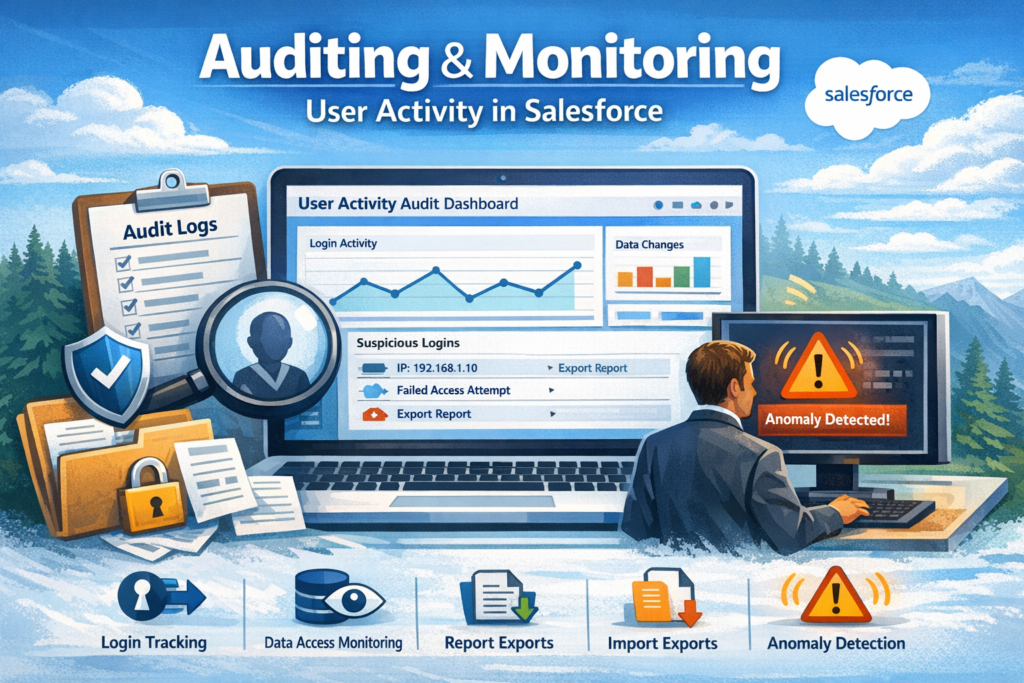
Auditing & Monitoring User Activity in Salesforce
Salesforce is a powerful platform where teams store customer data, manage sales, and run daily operations. Many users work in the same org every day—admins, sales reps, service agents, managers, and more.
With so many people accessing data, knowing who did what and when becomes very important.
That’s where auditing and monitoring user activity comes in.
In this blog, we’ll understand:
-
Why monitoring user activity matters
-
What Salesforce tools help with auditing
-
How admins can use these tools effectively
Why Auditing User Activity Is Important
Auditing means tracking user actions in the system. Monitoring helps you review and control those actions.
Here’s why it matters:
-
Keeps your data secure
-
Helps find mistakes quickly
-
Supports compliance and audits
-
Improves accountability
-
Builds trust in the system
Imagine a situation where data is deleted or changed incorrectly. Without auditing, it’s very hard to know who did it and why.
Key Salesforce Tools for Monitoring User Activity
Salesforce provides built-in tools that help admins track activity easily. Let’s look at the most important ones.
1. Setup Audit Trail
The Setup Audit Trail shows changes made in Salesforce Setup.
You can track:
-
User creation or deactivation
-
Profile and permission set changes
-
Field and object changes
-
Security setting updates
Admins can view the last 20 setup changes directly in Salesforce and also download logs for up to 6 months.
This is very useful when:
-
Something breaks suddenly
-
A setting is changed by mistake
-
You need proof during an audit
2. Login History
Login History helps you see who logged in, when, and from where.
It shows:
-
Username
-
Login time
-
IP address
-
Login status (success or failure)
Admins can use this to:
-
Detect suspicious login attempts
-
Investigate security issues
-
Confirm user access problems
You can also download login history for deeper analysis.
3. Field History Tracking
Field History Tracking allows you to track changes to specific fields on records.
For example:
-
Who changed the Account Owner
-
When a deal amount was updated
-
Old value vs new value
You can enable this on standard and custom objects and track up to 20 fields per object.
This is very helpful for:
-
Sales audits
-
Data accuracy checks
-
Understanding record changes
4. Salesforce Event Monitoring (Advanced)
Event Monitoring gives deeper visibility into user behavior.
It tracks events like:
-
Record access
-
Report exports
-
API calls
-
Page views
This is mostly used by:
-
Large organizations
-
Security teams
-
Compliance-driven companies
It helps answer questions like:
-
Who downloaded sensitive data
-
Which users accessed records they shouldn’t
-
How Salesforce is being used daily
5. Reports and Dashboards
Admins can also create custom reports to monitor user activity.
Examples:
-
Users who haven’t logged in recently
-
Records created or updated by users
-
Ownership changes
Dashboards make this data easy to understand for managers and leadership.
Best Practices for Salesforce Auditing
To get the most value from auditing and monitoring:
-
Enable tracking only where needed
-
Review logs regularly
-
Set clear data ownership rules
-
Educate users on best practices
-
Use alerts for critical actions
Auditing is not about blaming users. It’s about keeping the system clean, secure, and reliable.
Final Thoughts
Auditing and monitoring user activity in Salesforce is not optional anymore—it’s a necessity.
Whether you are:
-
A Salesforce Admin
-
A Business Owner
-
A Compliance Manager
Knowing what’s happening in your org helps you stay in control.
If you’re not using Salesforce auditing tools yet, now is the right time to start.