
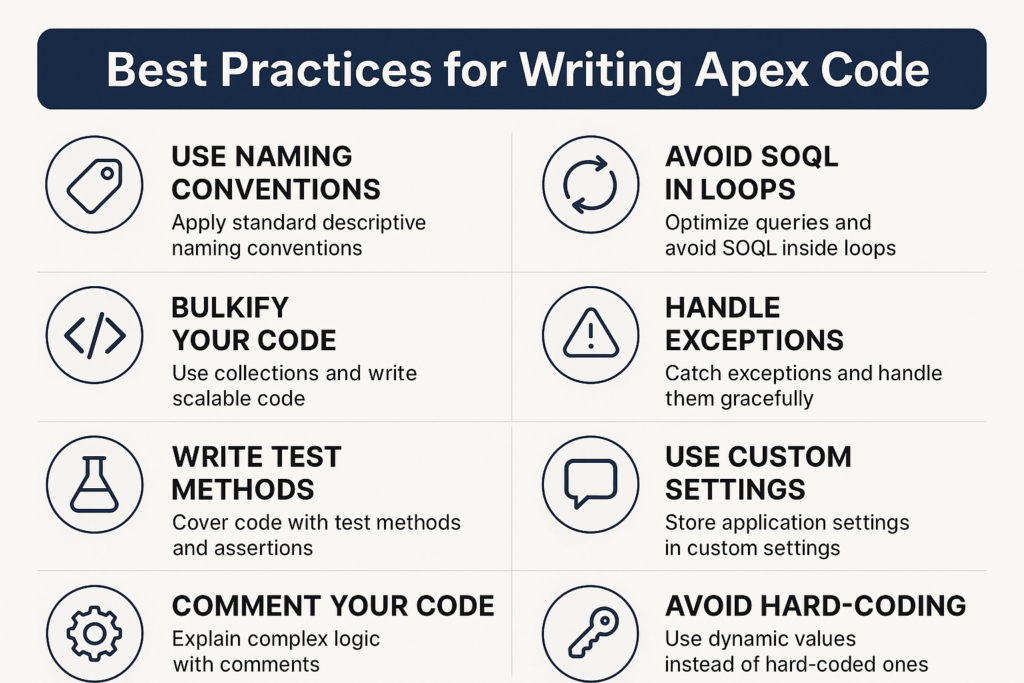
Best Practices for Writing Apex Code
Apex is the programming language used in Salesforce to build custom logic, automate processes, and create powerful applications. Writing good Apex code is not just about making the code work. It is about writing clean, efficient, and scalable code that runs smoothly in Salesforce’s multi-tenant environment.
This blog explains the best practices every Salesforce developer should follow while writing Apex code, especially if they want to build secure and high-performance applications.
1. Follow the One Trigger per Object Rule
Every Salesforce object should have only one trigger.
Having multiple triggers on the same object can cause confusion, repeated logic, or unexpected results.
Instead of writing separate triggers, use a single trigger and call different handler methods or a helper class from it.
This keeps the code clean, easy to read, and easy to maintain.
2. Use Trigger Handler Classes
Putting business logic directly inside triggers is not a good practice.
To keep your trigger clean, move all the heavy logic to a separate Apex class called a handler class.
This helps in:
-
Reusability
-
Better debugging
-
Easier testing
-
Cleaner code structure
3. Bulkify Your Code
Salesforce processes records in batches, not one-by-one.
If your code only works for a single record, it will fail when Salesforce sends a batch of 200 records.
To bulkify:
-
Use collections like Lists, Sets, and Maps
-
Avoid SOQL queries or DML operations inside loops
-
Process multiple records together
Bulkification ensures your code runs smoothly even with large data volumes.
4. Never Put SOQL or DML Inside Loops
This is one of the most important rules.
Why?
Because Salesforce has strict governor limits.
If you run many DML or SOQL statements inside a loop, you will hit limits and your code will fail.
Instead:
-
Use a single query outside the loop
-
Use a single DML statement for a collection of records
5. Follow Governor Limits
Apex runs on a shared platform, so Salesforce puts limits on database operations, memory usage, and CPU time.
Good Apex developers write code that stays well within these limits.
This includes:
-
Combining updates
-
Reducing queries
-
Optimizing loops
-
Using Maps for faster lookups
6. Use Collections and Maps Effectively
Collections make your code efficient and help in handling bulk operations.
-
Lists store ordered values
-
Sets remove duplicates
-
Maps store key-value pairs for fast access
For example, using a Map of record Ids to records helps you avoid multiple queries and improves performance.
7. Write Reusable Apex Methods
Avoid repeating the same logic in different places.
Create helper classes and methods that can be used across triggers, classes, and components.
Reusable code:
-
Reduces duplication
-
Makes maintenance easier
-
Improves readability
8. Use Proper Naming Conventions
Use clear and meaningful names for:
-
Variables
-
Methods
-
Classes
-
Trigger names
This makes your code easier to understand for other developers and future maintenance.
Example:
Instead of naming a variable x, name it totalAmount.
9. Use Try-Catch for Error Handling
Errors can occur due to invalid data, limits, or unexpected logic.
A try-catch block helps:
-
Prevent entire transactions from failing
-
Capture and log errors
-
Provide meaningful messages to users
Good error handling makes your application more reliable.
10. Write Test Classes with Good Coverage
Apex requires at least 75 percent test coverage.
But good test classes are not just about coverage. They should:
-
Test all positive use cases
-
Test negative scenarios
-
Test bulk operations
-
Test different data combinations
Well-written test classes make your code stable and reduce deployment issues.
11. Keep Your Code Simple and Readable
Complex code is difficult to debug and maintain.
Always aim for simple, structured, and readable code.
-
Avoid long methods
-
Break logic into smaller parts
-
Add useful comments wherever needed
Good code should be easy for another developer to understand.
12. Use Asynchronous Apex When Needed
When processes are long-running or resource-heavy, use async tools such as:
-
Future methods
-
Queueable Apex
-
Batch Apex
-
Scheduled Apex
This helps in reducing load on synchronous transactions and improves user experience.
13. Secure Your Apex Code
Salesforce security should always be a priority.
Follow these rules:
-
Use field-level and object-level security checks
-
Avoid exposing sensitive data
-
Follow best practices for sharing and permissions
-
Use with sharing keyword when necessary
Security makes your application safe for all users.
Conclusion
Writing Apex code is not just about making your logic work. It is about writing smart, efficient, and scalable code that fits well into the Salesforce platform.
By following these best practices, developers can build solutions that perform better, are easier to maintain, and follow Salesforce standards.