
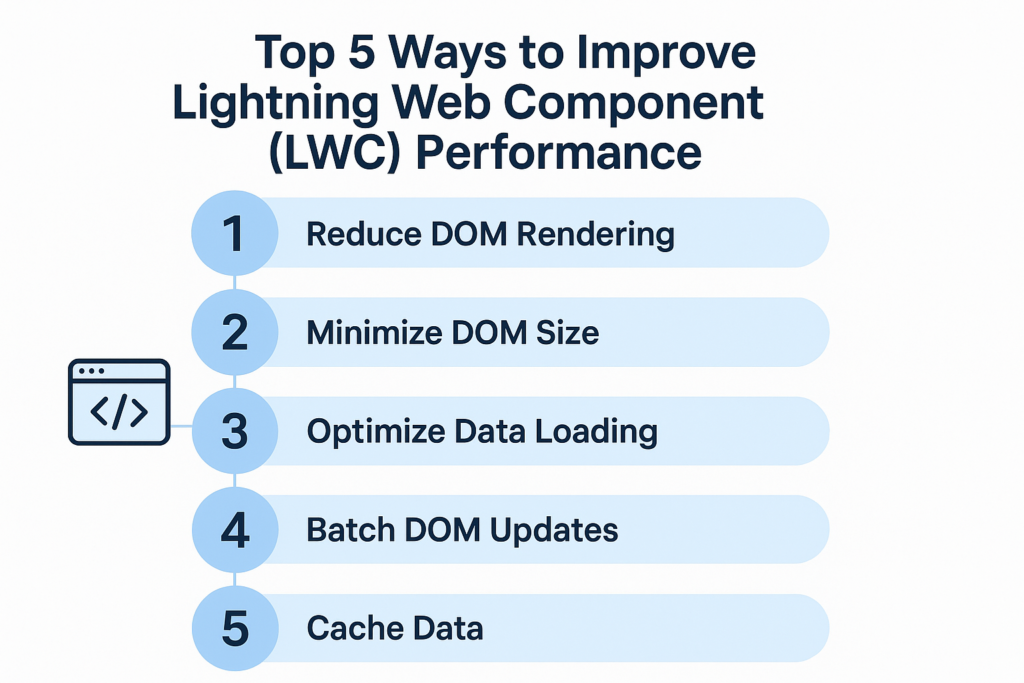
Top 5 Ways to Improve Lightning Web Component (LWC) Performance
Lightning Web Components (LWC) are fast by design, but poor coding patterns, unnecessary server calls, or inefficient rendering can slow them down. When building applications on Salesforce, performance matters because it affects user experience, speed of business processes, and adoption of features.
To help developers build efficient and scalable LWCs, here are the top five ways to improve performance.
1. Reduce Server Calls and Use Caching
One of the main reasons LWCs become slow is because they make repeated Apex calls, even when the data has not changed. Every server call increases load time and affects performance.
Better approach:
-
Use
@wirewithrefreshApexonly when needed. -
Store frequently used results in a cache such as
@wirewithgetRecord, custom cached Apex methods, orlightning/uiRecordApi. -
Use
sessionStorage,localStorage, or custom caching if the data is static.
Example:
Caching reduces network round trips and improves load time.
2. Use Lightning Data Service Instead of Apex (When Possible)
Salesforce provides Lightning Data Service (LDS) which handles CRUD operations without writing Apex. LDS automatically caches data and reduces multiple calls for the same record.
Use LDS APIs such as:
-
getRecord -
getRecordUi -
updateRecord -
createRecord
LDS improves performance because it:
-
Avoids unnecessary Apex calls.
-
Automatically uses cached Salesforce data.
-
Handles security and sharing rules.
If required fields are already supported by LDS, prefer it over custom Apex.
3. Optimize Rendering and DOM Updates
Rendering too much data or updating the DOM frequently slows the UI. LWC rendering should be minimal and efficient.
Ways to optimize:
-
Use conditional rendering (
if:true,if:false) only when needed. -
Render lists only when required.
-
Avoid unnecessary loops or nested conditions in the template.
-
Use pagination or lazy loading when showing long lists.
Instead of rendering 1,000 records at once, load them in smaller batches.
4. Use Reactive Variables Wisely
LWC uses reactive variables to update the UI. However, updating too many reactive properties triggers re-render cycles which affects speed.
Tips:
-
Update reactive variables only when values actually change.
-
Use
@trackcarefully or avoid unnecessary tracked data. -
Avoid storing large objects in reactive variables unless required in the UI.
Example:
This ensures the component re-renders only when data changes.
5. Minimize Component Size and Use Reusable Logic
Large monolithic components become slow and difficult to maintain. Splitting components improves loading and re-rendering performance.
Best practices:
-
Break components into smaller reusable components.
-
Move repeated logic to utility modules or service classes.
-
Load heavy components only when required (lazy loading).
This approach helps reduce the initial footprint and speeds up rendering.
Summary
Improving the performance of Lightning Web Components requires thoughtful design and efficient use of Salesforce platform capabilities. The key principles are reducing unnecessary computations, minimizing repeated server calls, and using built-in tools like Lightning Data Service.
Here are the top five strategies again:
-
Reduce server calls and use caching.
-
Use Lightning Data Service when possible instead of Apex.
-
Optimize rendering and avoid unnecessary DOM updates.
-
Use reactive variables wisely to avoid unwanted re-renders.
-
Break large components into smaller, reusable parts and avoid unnecessary code.
With these techniques, your LWC applications will load faster, run smoother, and deliver better user experience.